From Chore to Strategic Asset: Rethinking Timesheet Management in 2025
Timesheets have come a long way from clipboards and Excel, yet most organizations still treat them as a compliance headache. Learn how to redesign your timesheet process, tools, and culture so time tracking becomes a powerful driver of insight, profitability, and better work.

From Chore to Strategic Asset: Rethinking Timesheet Management in 2025
Timesheets have evolved from paper cards to cloud platforms, but for many teams, they still feel like a necessary evil. Late submissions, fuzzy data, and frustrated employees are the norm.
What if timesheets could become a strategic asset instead of a chore?
In this guide, we'll explore:
- Why modern timesheet systems still fail
- The biggest accuracy, compliance, and adoption challenges
- A practical framework to transform time tracking into actionable insight
- Real-world tactics for improving data quality without killing morale

1. Why Are Timesheets Still So Painful?
Despite slick cloud tools, three core problems persist:
-
They feel pointless to employees
Most people see timesheets as extra admin, not something that helps them or their team. -
They’re disconnected from actual work
When time codes, projects, and tasks don’t reflect how people truly work, entries become guesswork. -
They’re weaponized instead of optimized
If timesheet data is mainly used for policing, employees will naturally resist and underreport.
2. The Big Three Challenges: Accuracy, Compliance, Adoption
2.1 Accuracy: Garbage In, Garbage Out
If the data is wrong, every downstream decision is wrong:
- Project profitability analysis
- Utilization and capacity reports
- Forecasting and hiring decisions
- Client billing and margin control
Common accuracy killers:
- End-of-week “reconstructed” timesheets
- Vague categories like
AdminorMeetings - Copy-pasting last week’s template
- Rounding to the nearest hour instead of actual time
Practical accuracy fixes
- Move from hours to smaller intervals (e.g., 15 minutes) to nudge more precise logging.
- Align codes with reality: mirror actual projects, clients, and recurring activities.
- Use prompts and validations:
- Prevent submitting weeks with missing days.
- Flag entries that exceed reasonable daily limits.
Example validation rules:
- Max 12 hours allowed per day
- Min 5 days with entries per work week
- No future-dated entries allowed
- Require project for all billable time
2.2 Compliance: When the Rules Don’t Match Reality
Compliance isn't just about approvals; it’s about legal risk and contractual obligations:
- Labor laws (breaks, overtime, working time directives)
- Client-specific billing rules
- Union or internal policy requirements
Where organizations struggle:
- Different regions with different overtime rules
- Manual calculations done outside the system
- Managers approving timesheets without scrutiny
Compliance strategies that actually work
-
Automate calculations in the system
Encode overtime, break rules, and public holidays directly into your timesheet platform. -
Template policies per location/department
Instead of one global rulebook, create policy packs:- EU locations → Working Time Directive pack
- US non-exempt workers → Overtime + meal break pack
-
Audit trails and reports
Automatically record:- Who changed which entry
- When it was approved
- Why it was adjusted
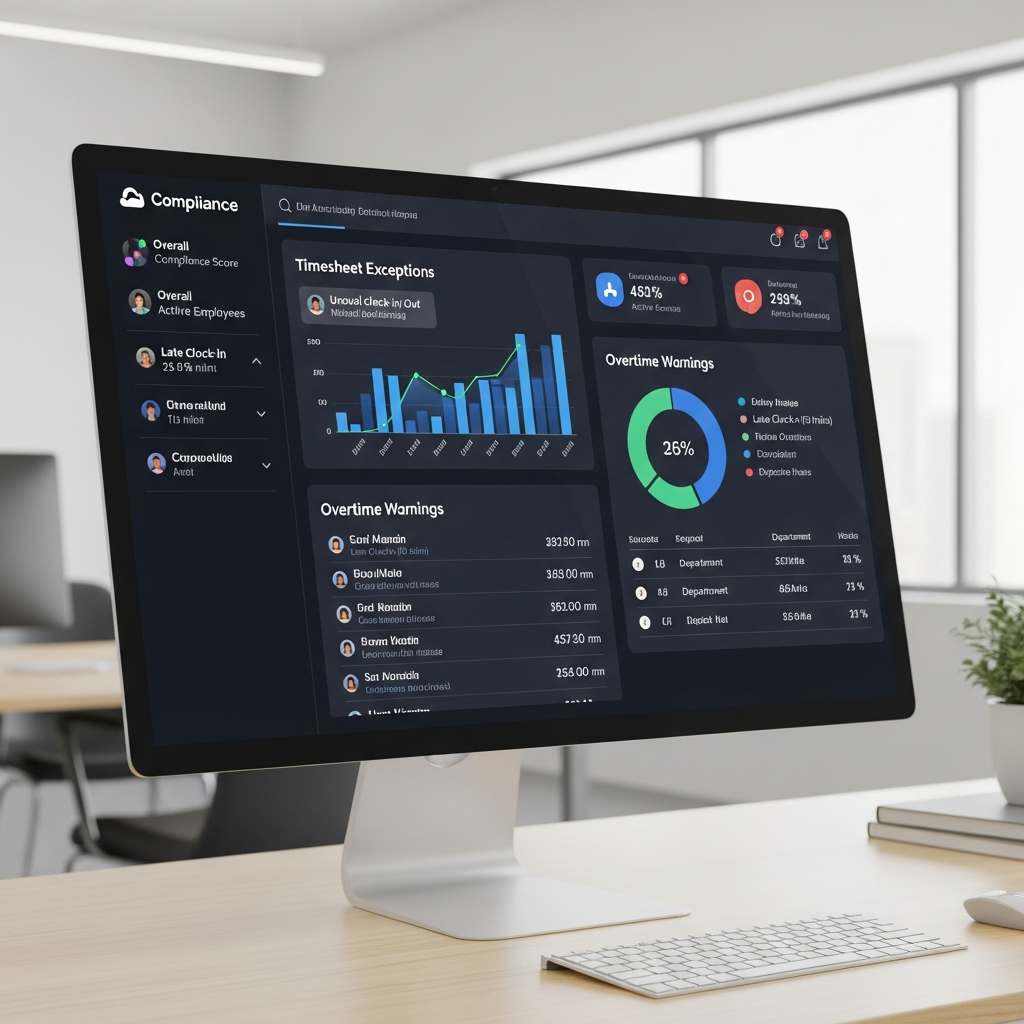
2.3 Adoption: Getting People to Actually Use the System
If people hate the system, they’ll fight it, avoid it, or game it.
Signs of poor adoption:
- Chronic late submissions
- Managers chasing timesheets every Friday
- Incomplete weeks and “time floods” at month-end
Design for humans, not just HR
Make time entry as close to zero-friction as possible:
- Mobile app with offline support for frontline and field teams
- Browser extensions to log time where work happens (e.g., project tools)
- Shortcuts and favorites for frequently used tasks
3. Turning Timesheets Into a Source of Insight
The real payoff comes when time data feeds better decisions, not just payroll.
3.1 Key questions your timesheet data should answer
If your system is working well, you can confidently answer:
- Which clients or projects are consuming the most effort?
- Where are we consistently over-servicing relative to budget?
- Which teams are overloaded or underutilized?
- How much time do we really spend on meetings and admin?

3.2 From reports to decisions
Timesheet analytics are useless unless they change behaviors:
- Resource planning: Shift work away from overloaded teams.
- Pricing and scoping: Adjust estimates based on actuals.
- Process improvement: Reduce recurring time sinks like duplicate approvals.
Example: Simple utilization report
Utilization Metrics (Sample)
----------------------------
- Billable utilization (company): 71%
- Billable utilization (Consulting): 82%
- Billable utilization (Support): 58%
- Top projects over budget: P-103, P-117, P-128
- Avg. weekly admin time per person: 6.2 hours
This basic snapshot can trigger:
- A review of Support workflows
- A conversation about admin burden
- Scope or pricing changes for over-budget projects
4. A Practical Framework to Fix Timesheet Management
Use this 5-step approach to shift from chaos to clarity.
Decide what you want from timesheets beyond payroll: billing accuracy, capacity planning, profitability, or all of the above. Communicate this clearly.
Rationalize projects, tasks, and codes. Remove anything you can’t explain or won’t use in reporting.
Optimize UX: templates, favorites, mobile apps, and integrations with tools where work already happens.
Automate policies, approvals, and nudges so compliance is built-in, not an afterthought.
Share insights back with teams. Show how their data improves planning, workload, and fairness.
5. Building a Culture That Supports Honest Time Tracking
Tools and rules only go so far. You need psychological safety around time reporting.
5.1 Stop using timesheets as a weapon
If timesheets are primarily used to:
- Blame individuals for overruns
- Micromanage every hour
- Compare people punitively
…you’ll get defensive, distorted data.
5.2 Normalize honest reporting
- Train managers to discuss patterns, not people.
- Celebrate teams that surface problems early via their data.
- Use aggregated data for process improvements, not individual punishment.
6. Example: Turning Timesheets Around in 90 Days
A mid-size consulting firm (250 people) moved from chaotic spreadsheets to a modern platform—but still suffered from late, low-quality timesheets.
Within 90 days, they:
- Cut project codes by 40% to reduce confusion.
- Integrated timesheets with their project tool, so tasks synced automatically.
- Rolled out gentle daily reminders instead of end-of-week panics.
- Trained managers on using reports to rebalance workloads, not blame.
Results:
- Submission on time: from 62% → 93%
- Admin time per person: down by 1.5 hours/week
- Estimated vs actual effort gap: shrank by 23%
7. Next Steps: Where to Start This Month
To start turning your timesheet system into a strategic asset:
- Review your codes and delete everything you haven’t reported on in 6–12 months.
- Interview 5–10 employees about what they hate most about your current system.
- Pick one quick win (e.g., better reminders, templates, or an integration) and ship it.
- Set a goal: “By 90 days from now, we’ll be able to answer these 3 business questions from timesheet data.”
Timesheets don’t have to be the most hated process in your company. With better design, clearer purpose, and a focus on insight over surveillance, they can become one of your sharpest tools for smarter decisions.
https://timesheet-tracking.com
Cappsule Sarl Quai du Mont Blanc, 7 1201 Geneva - Switzerland